The best AI app builders, compared
We put Logen head-to-head with the top 10 tools people use to build apps in 2026 — across a full feature matrix. Updated July 2026.
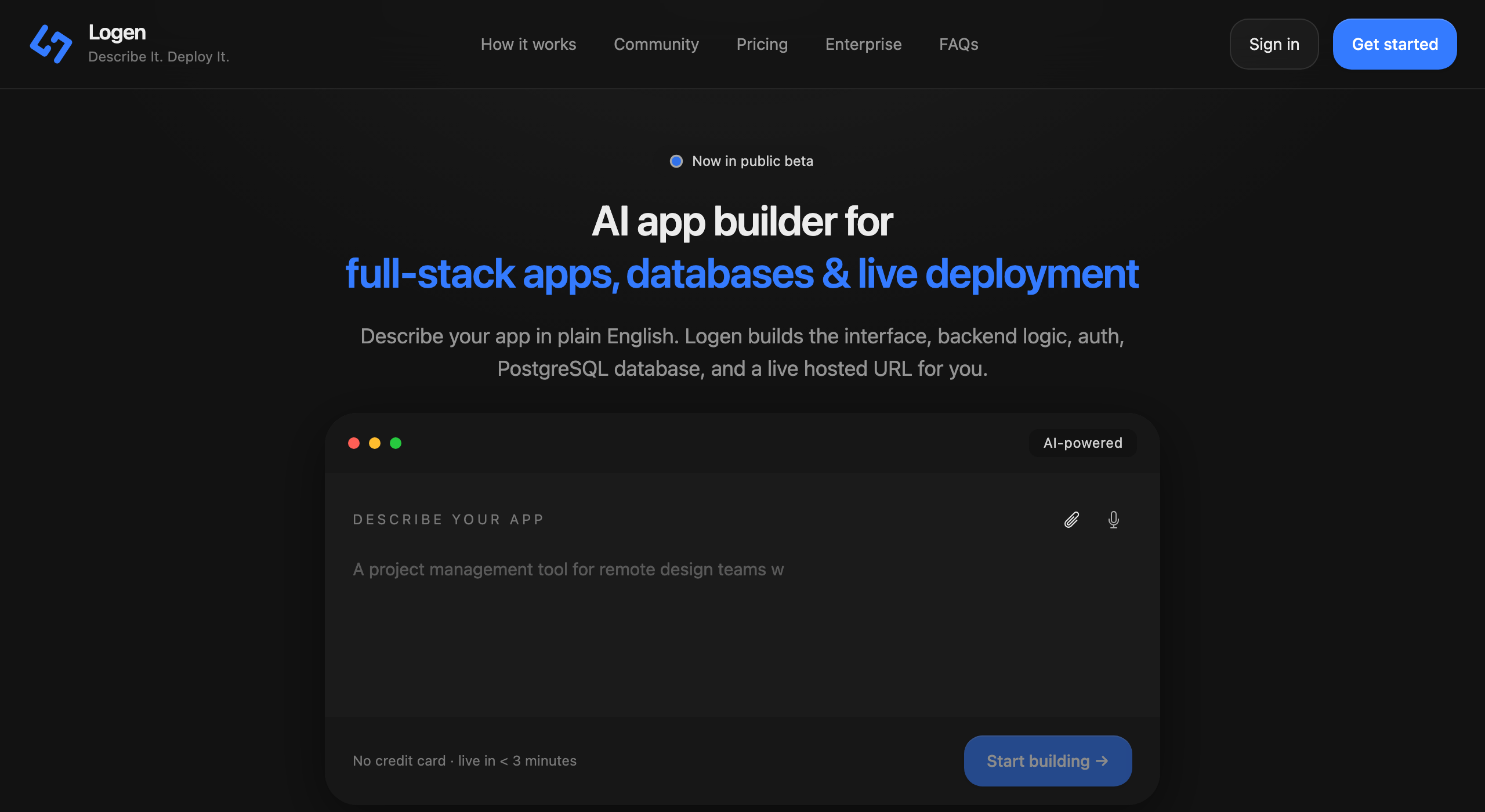
Building software by describing it has gone mainstream. The no-code AI market is projected to grow from about $6.5B in 2025 to roughly $75B by 2034, most new enterprise apps now start with low- or no-code tools, and the majority of people using these builders have never written code. New tools launch every month.
With so many capable tools, the question that actually decides your outcome isn't "which makes the prettiest screen?" It's simpler and harder: does it ship a real, running full-stack app — backend, database, auth, security and hosting — or a front-end you're left to finish, secure and host yourself? That single question is the axis this whole comparison is built around.
Built together, secured by default, one bill.
Pieces to connect, secure and bill separately.
The full feature matrix
Graded fairly from our research — every tool earns a check where it genuinely delivers. ● yes ◐ partial — no
| Capability | Logen | Lovable | Bolt.new | v0 | Replit | Base44 | Bubble | Softr | Cursor | Webflow | Retool |
|---|---|---|---|---|---|---|---|---|---|---|---|
| How you build | |||||||||||
| No coding required | ● | ● | ● | ● | ◐ | ● | ● | ● | — | ● | ◐ |
| Plain English — no editor to learn | ● | ● | ● | ● | ◐ | ● | — | — | — | — | — |
| Generates a full-stack app (not just UI) | ● | ● | ● | ◐ | ● | ● | ● | ◐ | — | — | ◐ |
| Backend & data | |||||||||||
| Database included — no separate account | ● | ◐ | ◐ | ◐ | ● | ● | ● | ◐ | — | — | — |
| Standard, portable data (real SQL) | ● | ● | ● | ● | ● | — | — | ◐ | — | — | ◐ |
| Backend logic built for you | ● | ◐ | ◐ | ◐ | ● | ● | ● | ◐ | — | — | ● |
| Authentication built in | ● | ● | ● | ◐ | ● | ● | ● | ● | — | — | ● |
| Ship & run | |||||||||||
| Deploys AND hosts the whole app | ● | ◐ | ◐ | ◐ | ● | ● | ● | ● | — | ● | ◐ |
| Custom domain + automatic SSL | ● | ● | ◐ | ● | ● | ● | ● | ● | — | ● | ◐ |
| Secure by default (platform-managed) | ● | — | — | ◐ | ◐ | ◐ | ◐ | ◐ | — | ◐ | ◐ |
| Ownership & fit | |||||||||||
| One platform, one bill | ● | — | — | — | ◐ | ● | ● | ◐ | — | ● | ◐ |
| Built for public-facing apps | ● | ● | ● | ● | ● | ● | ● | ◐ | ● | ● | — |
| Iterate by describing changes | ● | ● | ● | ● | ● | ● | ◐ | ◐ | ● | ◐ | ◐ |
A "—" isn't a knock — it usually means a tool is deliberately in a different category (Cursor is a code editor; Webflow builds sites; Retool builds internal tools). Read each row as "does this tool do this job for you," not "is it good."
What the matrix reveals
Read down the columns and a pattern appears. The AI-native tools are brilliant at turning a prompt into a front-end — but most stop at the browser, handing you a database service to connect, a host to deploy to, and security to configure. The no-code platforms own more of the stack, but on a proprietary database and a visual editor you have to learn. The adjacent tools are superb at their own jobs, which aren't building-and-hosting a public app at all.
Logen's column is full for one reason: it's built as a single integrated platform. You describe the app; it builds the interface, the backend, a dedicated PostgreSQL database and authentication, then deploys and hosts the whole thing — with isolation, encryption and HTTPS handled for you, on one bill. Not the prettiest claim, but the one that most often decides whether you end up with a running product or a prototype to finish.
The top 10, tool by tool
Each of these is genuinely good at what it's designed for. Here's the honest one-liner on every one — and a link to the full head-to-head.
AI app builders — describe it, get an app
The fastest-growing category: describe your product in plain English and the AI generates it. They differ most in what happens to the backend.
Lovable
Logen vs Lovable →Best-in-class at generating a polished React front-end fast. The backend is a Supabase project you connect and secure — powerful, but a second platform you own.
Bolt.new
Logen vs Bolt.new →Unbeatable for instant in-browser prototyping. Going live means a Supabase backend plus a Netlify deploy, so a finished app spans three services.
v0 by Vercel
Logen vs v0 by Vercel →Produces arguably the cleanest UI in the category and you own the code. Data and auth come from third-party providers you wire up on Vercel.
Replit
Logen vs Replit →A genuinely full-stack agent inside a real cloud IDE, with a built-in database and hosting — excellent if you're comfortable reviewing code.
Base44
Logen vs Base44 →A true all-in-one, now part of Wix: built-in database, auth and hosting with nothing to wire up. Its backend is a proprietary NoSQL store.
No-code builders — assemble it visually
Mature platforms where you build by hand in a visual editor rather than by describing — deep control, with a learning curve.
Bubble
Logen vs Bubble →The most powerful visual no-code platform, with a huge plugin ecosystem. Trade-offs are a steep learning curve and a proprietary database.
Softr
Logen vs Softr →The quickest way to put a polished portal on data you already keep in Airtable or Sheets. Its backend is that spreadsheet-style source, not a relational database.
Adjacent tools — different jobs entirely
Excellent products that solve a related but distinct problem — worth knowing so you pick the right category, not just the right tool.
Cursor
Logen vs Cursor →A superb AI code editor for developers. It makes writing code dramatically faster — but you still design, build, deploy and host everything yourself.
Webflow
Logen vs Webflow →Best-in-class for beautiful marketing sites and CMS content. It recently retired native app logic and user accounts, so it's for sites, not apps.
Retool
Logen vs Retool →The standard for internal tools built on databases you already run, priced per seat. Aimed at behind-login tooling for teams with engineers, not public apps.
Frequently asked
What's the best AI app builder in 2026?
It depends on your goal, and the honest answer is a range. If you want a complete, hosted full-stack app from plain English — with its own database, backend, auth and security handled for you — Logen is built for that. If you want the cleanest UI, v0 is excellent; the fastest prototype, Bolt.new; a real IDE with an agent, Replit. The right pick is the one whose finish line matches yours.
Which AI app builders include a real database and backend?
Logen provisions a dedicated PostgreSQL database and builds the backend as part of the app. Replit and Base44 also include a backend and database out of the box (Base44's is a proprietary NoSQL store). Lovable, Bolt.new and v0 generate the front-end and connect to a database you set up separately (Supabase, Neon), which you then manage and pay for.
Which is best for a non-technical founder?
The all-in-one, plain-English tools remove the most friction — Logen, Base44 and Lovable. Logen and Base44 go furthest for non-developers because they own the database, backend and hosting, so there's nothing to wire together; Logen adds a standard PostgreSQL database and secure-by-default hosting.
Do I still need developers if I use an AI app builder?
AI dramatically accelerates the work, but experienced developers still matter for complex architecture, performance, security review and edge cases. Think of these tools as an accelerator. Platforms that own more of the stack — like Logen — take non-developers further before that line is reached.
Is my app and data portable if I need to leave?
It varies a lot. Logen runs on a standard PostgreSQL database, so your data is in an industry-standard, portable format. Some tools use a proprietary database (Bubble, Base44) where leaving means rebuilding, while others (Lovable, Bolt, v0) leave your data with whichever provider you connected.
Sources
- AI app builder statistics 2026 (Hostinger)
- No-code statistics 2026 (Kissflow)
- AI app builders with a real backend, database and auth (MindStudio)
- Best AI app builders 2026 (No Code MBA)
Per-tool facts (pricing, backend, security) are cited on each dedicated comparison page. Market figures are approximate and were last reviewed July 2026.
See it for yourself
Describe your app in plain English — Logen builds the full stack and deploys it live.
Start building free