Logen vs Bolt.new
Want a Bolt.new alternative that owns the backend, security, and hosting?
Bolt.new and Logen both turn a prompt into a working web app in the browser, and both are genuinely fast at it. The difference that decides which one you'll still be using in a month is what each leaves you responsible for. Bolt is excellent at generating a front-end you preview instantly — but the backend, the security, and production hosting are largely yours to finish. Logen builds and runs all three for you: a full-stack app with its own secured database, deployed on isolated infrastructure. Here are the three places that gap shows up.
Logen as a Bolt.new alternative
If Bolt's instant preview is great but you don't want to finish the backend, wire up Supabase and deploy to Netlify yourself, Logen is the alternative that builds, secures and hosts the whole app in one place.
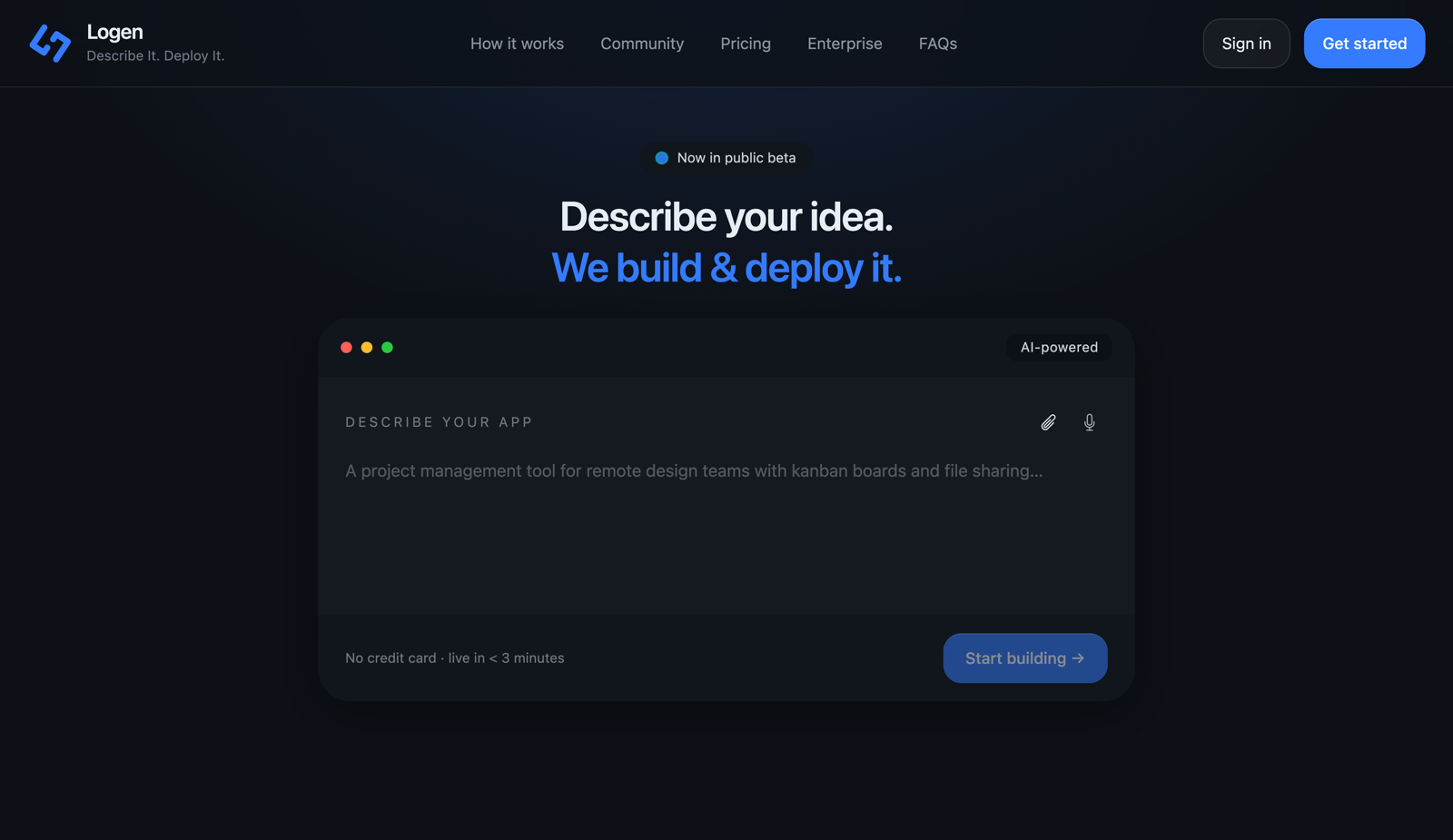
Bolt.new is one of the fastest ways to see an idea running in the browser — but it's a starting point, not a finished product. The database and auth come from a Supabase project you connect, and going live means deploying the front-end to Netlify, so a "done" Bolt app really lives across Bolt, Supabase and Netlify. Logen builds and runs the whole thing on one platform — its own database, backend, auth, security and hosting — so what you preview is what's deployed. Choose Bolt for instant front-end prototyping; choose Logen when you want the finished, hosted, secured app without assembling it.
How they compare
| Logen | Bolt.new | |
|---|---|---|
| What it builds | A full-stack app — UI, backend, database and auth, built together | A front-end fast in-browser; backend via a connected Supabase project |
| Database | Dedicated PostgreSQL per app, provisioned and managed for you | Your own Supabase Postgres project to set up and maintain |
| Backend & auth | Built and run by Logen as part of the app | Supabase Auth/APIs you wire up; logic runs in the in-browser sandbox in dev |
| Hosting | Whole app deployed and hosted on Logen — live URL out of the box | Deploy the front-end to Netlify; the Supabase backend stays on Supabase |
| Security | Isolation, access control and encryption handled by the platform | Supabase row-level security is opt-in — you must add it correctly yourself |
| Where it lives | One platform, one bill | Bolt + Supabase + Netlify, billed separately |
| Iteration | Describe changes in plain English; the live app updates in place | Prompt edits in Bolt; redeploy to push changes live |
What each is best for
Choose Logen for
- A finished, hosted full-stack app — database, backend, auth and security included
- Apps that store real user data and need security handled for you
- Shipping to a live URL without deploying to a separate host
- One predictable place to build, run and pay
Choose Bolt.new for
- Instant in-browser prototyping and demos
- Developers who want to take the generated code and run their own backend and host
- Trying lots of front-end ideas fast
- Working with frameworks like Vite or Next in a familiar sandbox
1. The backend isn't your problem
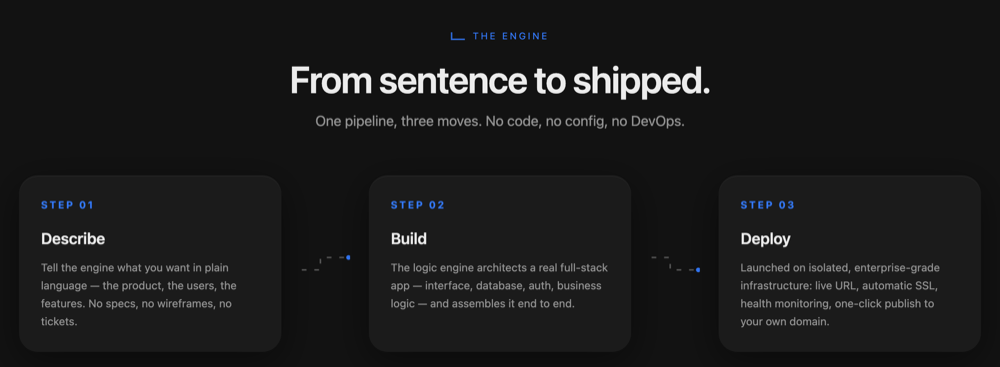
AI builders are great at login screens. The hard part is everything behind them — sessions, password hashing, email verification, and a database the app actually reads and writes. With many tools you generate the UI and are then left to wire up auth (Supabase Auth, Clerk, or similar) and a backend yourself before it's a real app.
Logen builds that for you. Every app ships with its own dedicated PostgreSQL database and working backend logic — accounts, data, and permissions included — generated and run as part of the app. There's nothing to connect or configure: you describe the behaviour and Logen architects the full stack end to end.
2. Secure by default — not by luck
This is where a finish-it-yourself backend bites hardest. AI-generated apps are repeatedly shipped with the same gaps: database access rules left open, service keys exposed to the browser, and “auth” that renders a login form without actually enforcing it — so an app can go live with its users' data readable by anyone.
Logen makes that class of mistake structurally hard. Access control, tenant isolation, and encryption are the platform's job, not a checklist you have to get right: each app runs isolated at the container and network level, with its own database, secrets encrypted at rest (AES-256), and traffic over HTTPS. You never hand-configure row-level security or wire keys into the front-end. Enterprise plans add SSO and dedicated infrastructure.
3. Built to run, not just preview
A fast in-browser preview is a great start, but a preview isn't a product. Lightweight one-click hosting is tuned for static sites and simple apps, and real applications can hit walls — server-side rendering limits, slow cold starts, the occasional downtime — exactly when you start putting users on them.
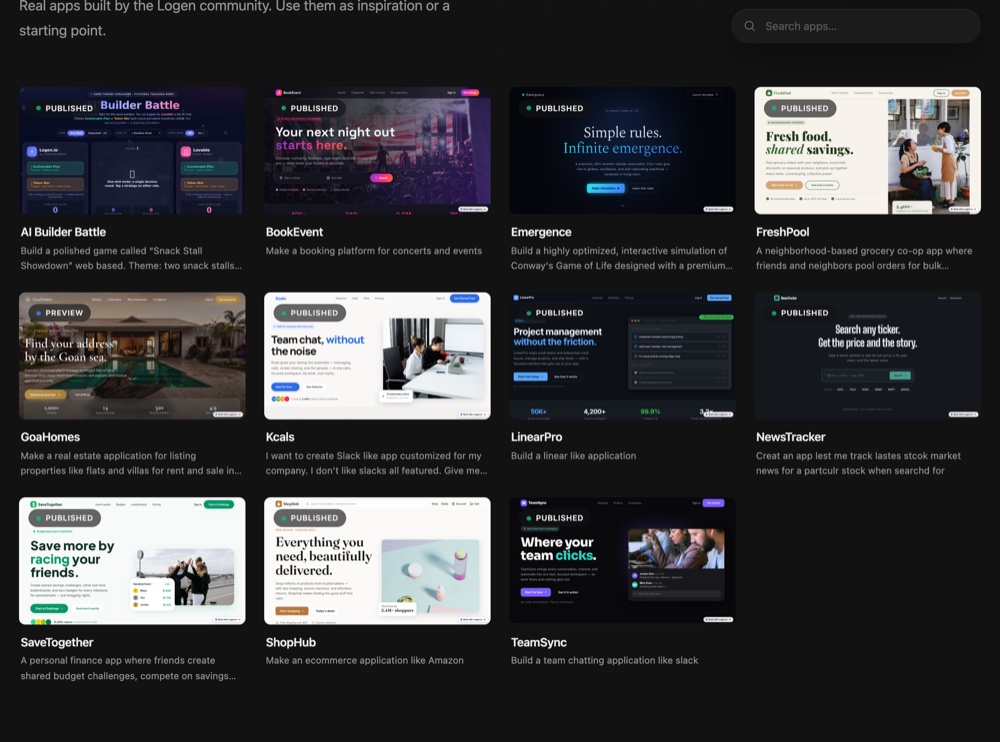
Logen runs each app as a real, server-rendered full-stack application in its own isolated container on a live URL out of the box. Paid plans add custom domains with automatic SSL, multi-region deployment, and always-on hosting. The community below is full of real, deployed apps doing exactly that — each on its own database and URL.
Pricing: predictable plans vs token burn
Logen uses simple credit-based plans you can start for free, with the database, backend and hosting included — one bill, no separate backend or host to fund.
Bolt.new is priced by token usage: a free daily allowance, then paid tiers from around $20/mo. Tokens are consumed by every generation — including failed attempts and debugging loops — which many users find burns through an allowance faster than expected. And a live Bolt app still means paying Supabase and Netlify on top once you outgrow their free tiers.
| Logen | Bolt.new | |
|---|---|---|
| Free tier | Build and preview free, no card required | 1M tokens/month, no card |
| Paid entry | Credit-based plans — database, backend and hosting included | ~$20/mo Pro (token-metered), higher tiers above |
| Backend & host cost | Included — one bill | Supabase + Netlify billed separately beyond free tiers |
| Predictability | Plan-based credits | Token-metered; failed generations and debugging burn tokens |
Where Bolt.new shines — and when to choose Logen
Bolt.new is a strong choice for fast front-end prototyping: spin up a UI, demo an idea, throw it away, repeat. If that's the job — or you're a developer who wants to take the generated code and run your own backend and hosting — it does it well.
Choose Logen when you want the finished, running product without becoming your own backend and DevOps team: a full-stack app, with its own secured database, deployed and hosted for you, that you keep improving in plain English. The honest test is to give both the same brief and judge by what's actually live, secured, and usable at the end.
Backend built for you
Accounts, data, and business logic generated and run as part of the app — nothing to wire up.
Dedicated, secured database
Each app gets its own isolated PostgreSQL database; access control and encryption are handled for you.
Security by the platform
Isolation, encryption, and access rules are Logen's job — no exposed keys or open tables.
Real full-stack hosting
Server-rendered apps on isolated infra with a live URL, custom domains, auto-SSL, and multi-region.
Iterate in plain English
Change the live app by describing what you want — the deployed app updates in place.
Start free
Build and preview on the free tier, no credit card required.
Frequently asked
Do I have to set up the backend and auth myself?
No. Logen builds and runs the backend — accounts, data, and business logic — and gives each app its own PostgreSQL database. There's no separate auth service or backend to wire up.
Is each app secure by default?
Yes. Access control, tenant isolation, and encryption are handled at the platform level — each app is isolated with its own database, secrets are encrypted at rest, and traffic is over HTTPS. You don't configure row-level security or expose keys to the browser.
Does Logen hold up beyond a prototype?
Logen runs each app as a real, server-rendered full-stack application on isolated infrastructure, with custom domains, automatic SSL, and multi-region, always-on hosting on paid plans — built to put real users on, not just to preview.
Is Logen a good Bolt.new alternative?
If you want the backend, security, and hosting handled for you — a real, running product rather than a front-end preview you finish yourself — Logen is built for exactly that. For throwaway front-end prototyping, Bolt.new is a fine fit.
Related comparisons
Logen is an AI app builder that builds and hosts full-stack apps — see how it works or compare all builders.
Sources
- Supabase for databases — Bolt support
- Bolt.new review: pricing & token limits (Taskade)
- Supabase integration — Netlify docs
Competitor details change often; figures are approximate and were last reviewed June 2026. Verify on each vendor's own site.
Ready to build it?
Describe your idea and watch Logen build and deploy it.
Try Logen free